
MAKE IT YOURS
The swing you want to show. A video of your own.
Choose the moments you need, edit them and save or share the result. Keep a practice clip that is easy to revisit.
- Trim a section
- Speed & framing
- Export & share
Edit & share
What you can do
Keep the part you need
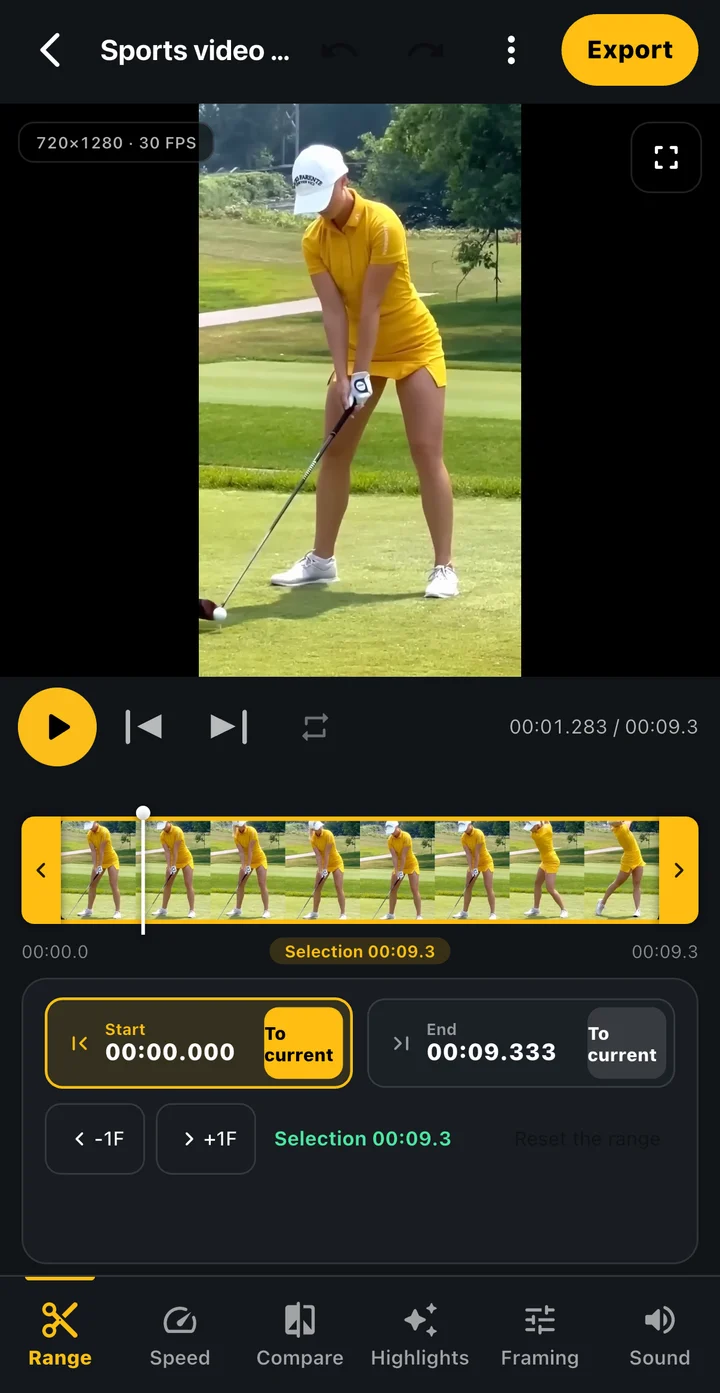
Set a start and end to focus on the swing instead of the preparation and waiting.
Make it easier to review
Adjust speed, crop and rotation, and check the preview. You can also continue to a two-swing comparison edit.
Share the finished file
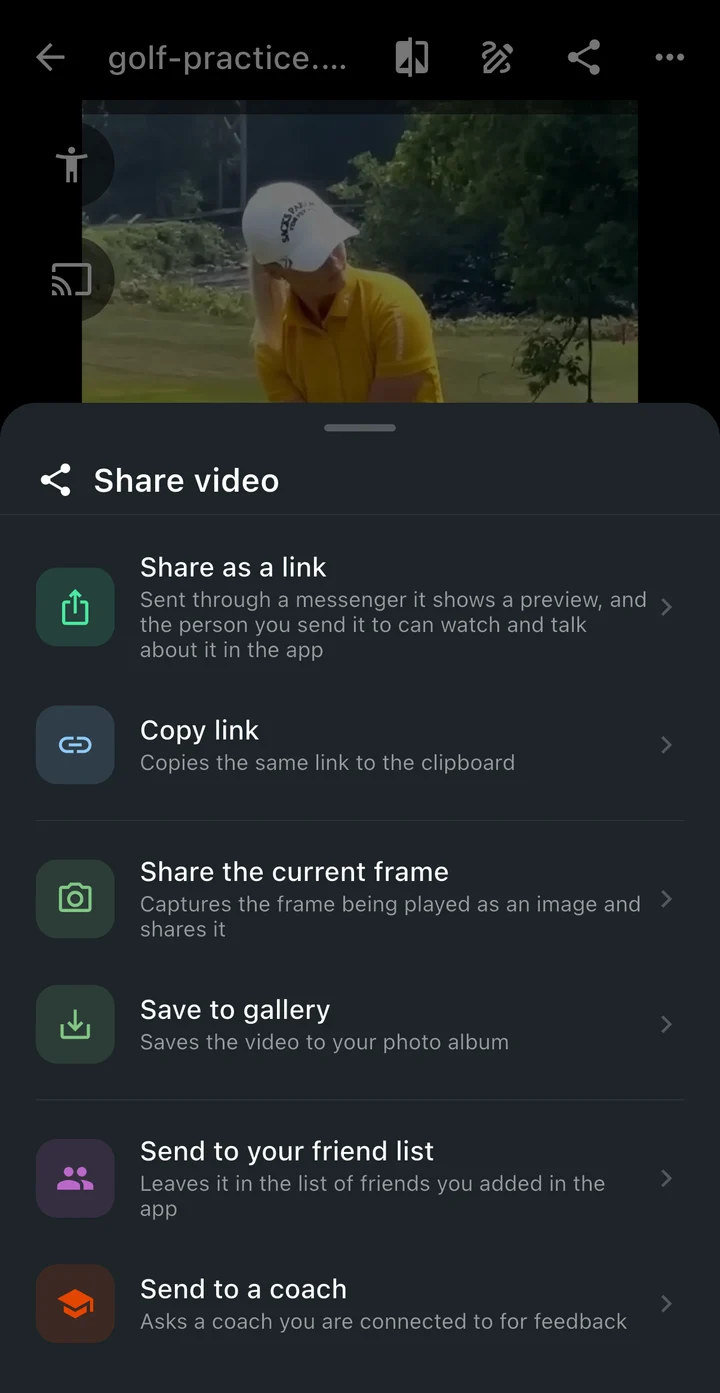
Export the result, save it on your device or use the phone’s share menu. Keep source footage and exports separately.
- 01
Choose a video
Open a saved video in the editor or continue from recording.
- 02
Refine the section and view
Choose the range and speed, adjust the framing and inspect the preview.
- 03
Check your export
Play the finished result before saving or sharing it with your chosen app.
Edit & share
Make it part of your round
A clip for your next lesson
Pick the swing you want feedback on from a longer practice video.
Practice before and after
Align two swings and keep a comparison video to revisit.
Does editing immediately overwrite the original?
The export flow creates a new result file. Keep important originals separately and check the output.
Can I export a comparison video?
The comparison editor lets you arrange and align two videos before exporting. Check the installed app for its available options.
How is a video shared?
Save it on your device or choose an app and recipient from the phone’s share menu. It is not sent to a coach automatically.
TOKTI GOLF
Make a video of your swing.
Edit the moments you need in Tokti Golf and share the result after checking it.
iOS · Android · Free to download · Ads and in-app purchases
Explore the app