
SEE YOUR SWING
The moment you missed. One frame at a time.
Slow it down and compare it with an earlier swing. A golf player for looking closely at your own movement.
- Slow motion
- Frame navigation
- Two-video comparison
Playback & compare
What you can do
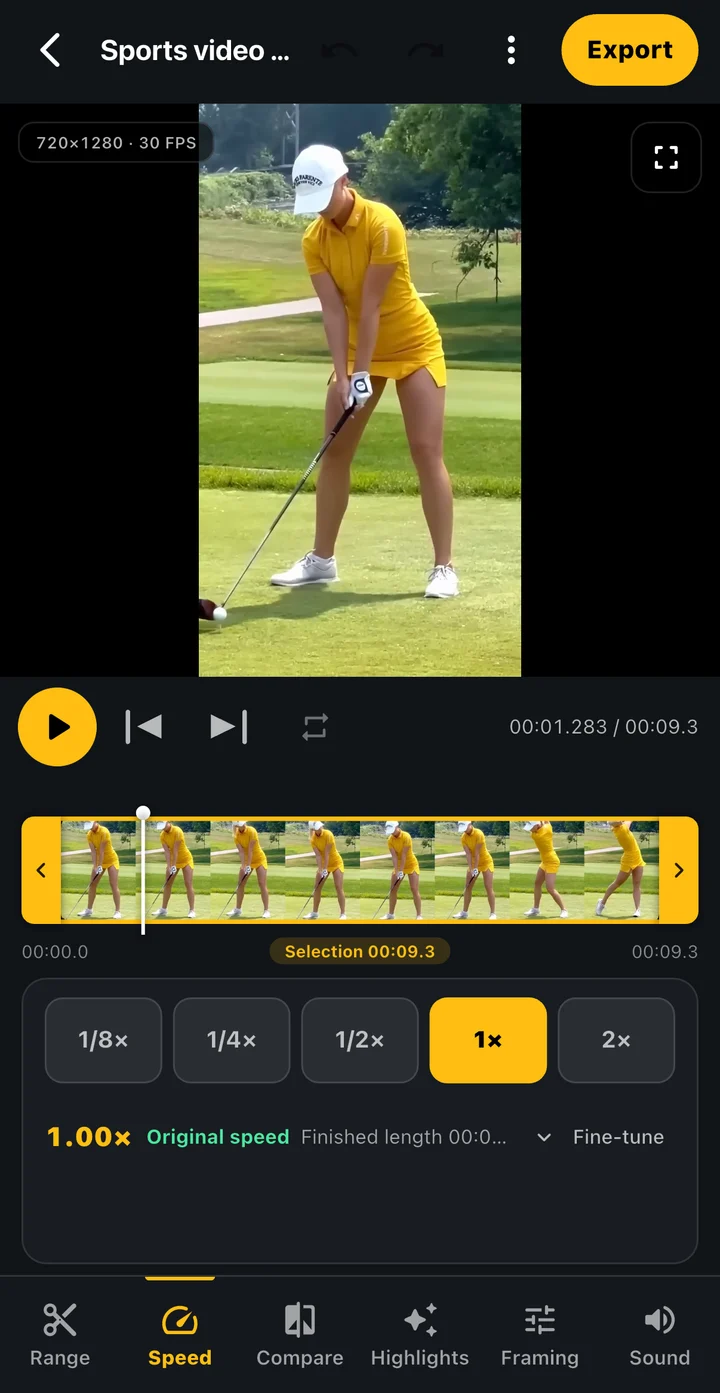
Slow down a quick movement
Change playback speed and move through frames from address to finish. The available detail depends on the source frame rate.
Repeat the section you need
Loop a selected section to revisit the motion without searching from the beginning each time.
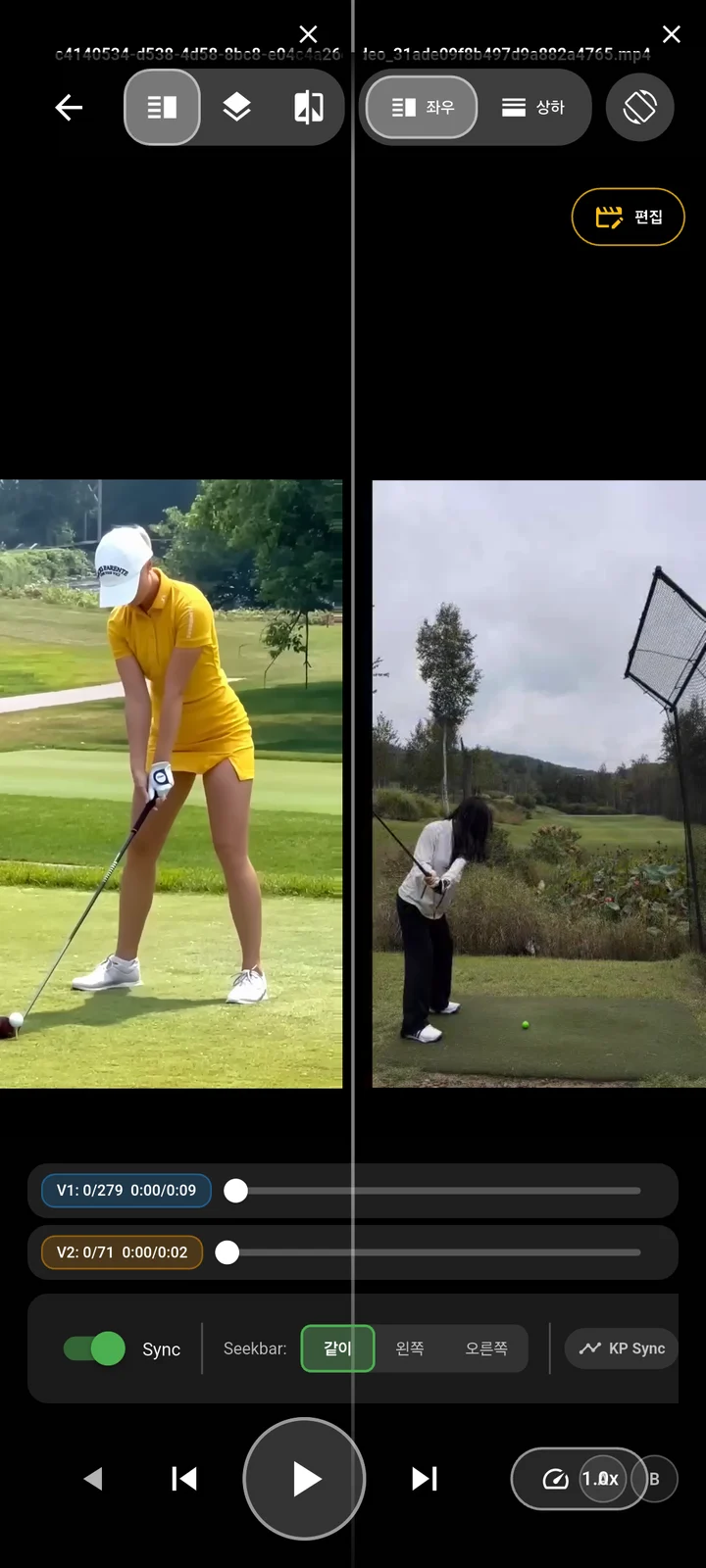
Compare from a shared reference
View an earlier and a new swing side by side or overlaid. Align the movement you want to compare.
Playback & compare
How it works
Use slow motion, frame navigation and section loops to compare your swings.
Get the app- 01
Open a swing video
Choose a recording or a supported video saved on your device.
- 02
Find the key moment
Use speed, frame navigation or section loops to inspect the movement.
- 03
Compare another swing
Select a second video, align a reference movement and inspect the two views.
Playback & compare
Make it part of your round
Before and after a lesson
Compare videos recorded from a similar angle to inspect changes yourself.
Looking around impact
Slow down a short section or move through it frame by frame.
Is slow-motion playback the same as high-speed recording?
High-speed recording captures more frames. Slow-motion playback shows existing footage more slowly; it does not add missing detail.
Can videos start at different times?
You can align a reference movement in the comparison view. Similar camera angles make comparison easier.
Do I need to enter a score first?
No round scoring is required to begin video playback. Start with a recording or a video on your device.
TOKTI GOLF
Look closer at your next swing.
Open your video in Tokti Golf and start with the moment you want to see.
iOS · Android · Free to download · Ads and in-app purchases
Explore the app